How Long Do Joy Cons Take to Charge: Full Charging Guide
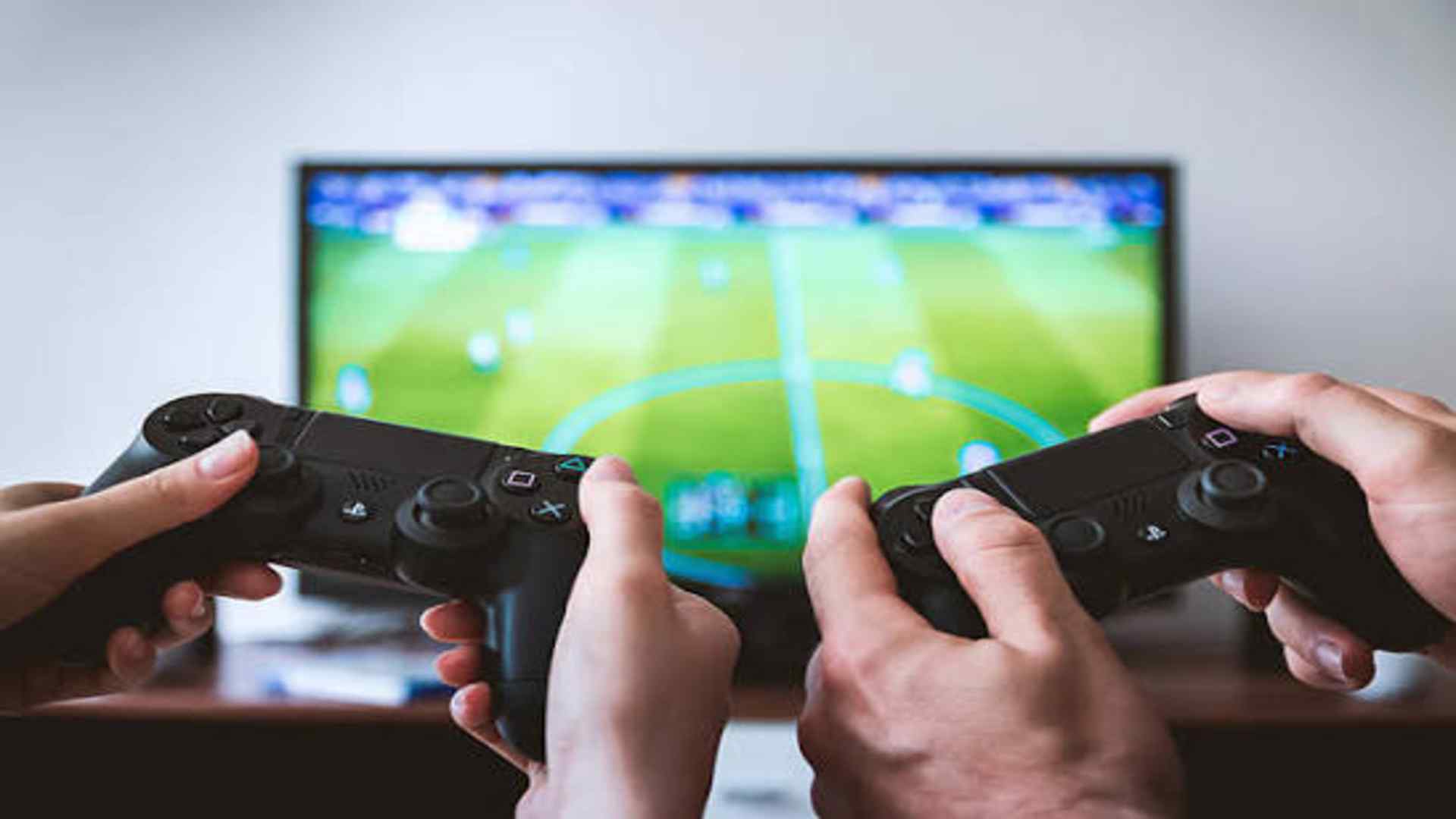
Managing controller battery life is an essential part of enjoying seamless gaming sessions on your Nintendo Switch. Understanding standard charging durations helps players plan their playtime effectively and prevent unexpected interruptions. This comprehensive guide breaks down exact charging times, primary charging methods, and practical tips to keep your gear ready.
Standard Joy-Con Charging Times
From a completely depleted battery, official Nintendo Joy-Con controllers take approximately three and a half hours to reach a full charge. Once fully charged, these versatile controllers deliver up to 20 hours of continuous wireless gameplay. These stats ensure that a single charging session provides multiple days of casual gaming.
Charging speed can vary slightly depending on the age of the hardware and the power source used. Using official accessories ensures consistent power delivery and preserves overall battery health. Newer models continue to use similar power specifications to maintain reliable performance.
Primary Methods for Charging Joy-Cons
The most straightforward method to charge your controllers is attaching them directly to the docked Nintendo Switch console. When the console is plugged into power, both the main unit and attached Joy-Cons replenish simultaneously. Placing the console into sleep mode keeps the charging process active while saving energy.
Alternatively, dedicated accessories like a Charging Grip or multi-controller charging station offer flexible setup options. A Charging Grip allows players to power their controllers while actively playing in TV mode via a direct USB connection. Charging stands are ideal for households managing multiple sets of controllers at once.
How Handheld Charging Works
When playing in handheld mode on battery power, the Switch handles Joy-Con charging with specific power priorities. To preserve the main console's battery life, the system only tops up low controllers to a partial level. This prevents the main display unit from draining rapidly during portable play.
Connecting the AC adapter directly to the console while playing in handheld mode charges both systems continuously. This enables uninterrupted gaming marathons without worrying about depleted controller batteries. Understanding these power distribution rules helps you maximize battery life on the go.
Tips to Maintain Battery Health
Checking controller battery status is simple via the Controllers menu on your system home screen. This quick display allows you to monitor remaining power and recharge before critical levels occur. Routinely docking controllers at the end of gaming sessions guarantees they remain fully charged.
Avoiding extreme temperatures and fully discharging batteries frequently will extend overall component longevity. Store unused controllers in a cool, dry area when taking extended breaks from gaming. Regular maintenance ensures long-term reliability for years of gaming entertainment.